In the previous post about my Mashup quality control tool for Infor Smart Office Mashups, I used the Smart Office API to list the Mashups and their XAML files; today I will load the XAML files and run my predicate rules.
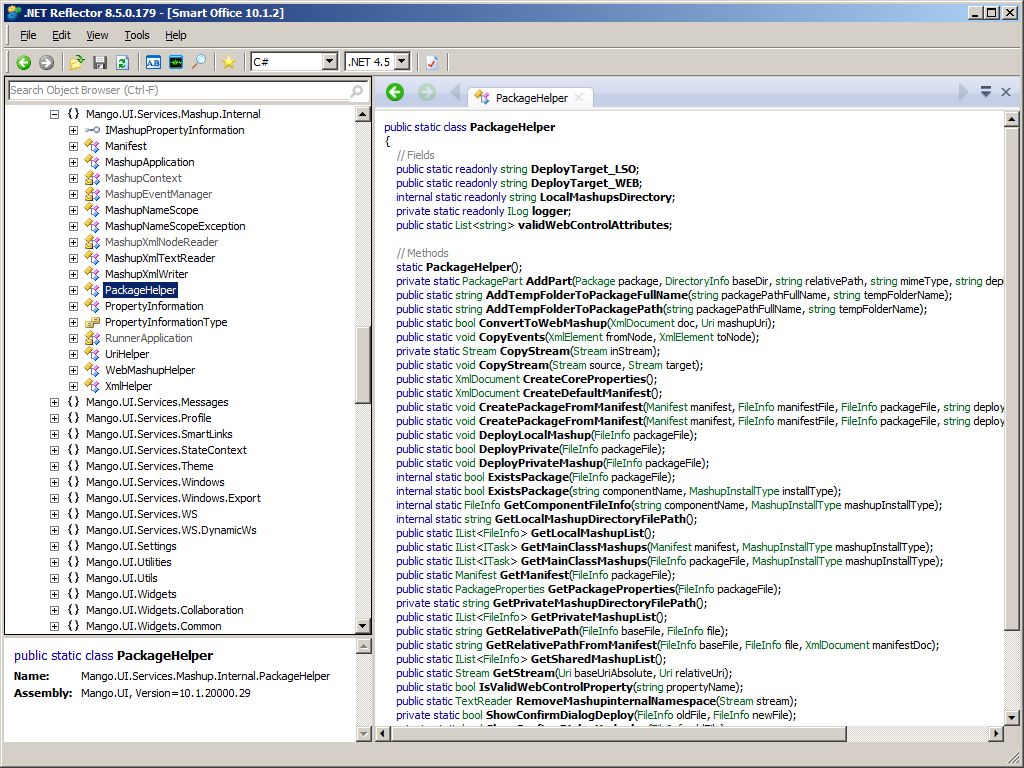
GetStream
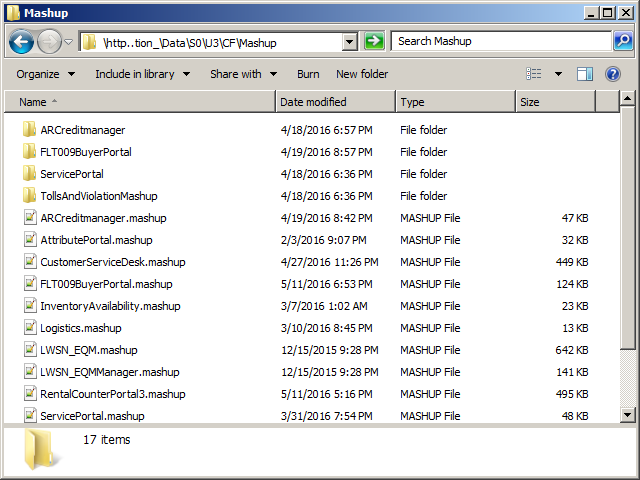
Mashup files are packed with ZIP compression. The Smart Office API has methods to unpack the XAML files with System.IO.Packaging, and to get their stream of bytes so we can load them with System.Xml.XmlDocument:

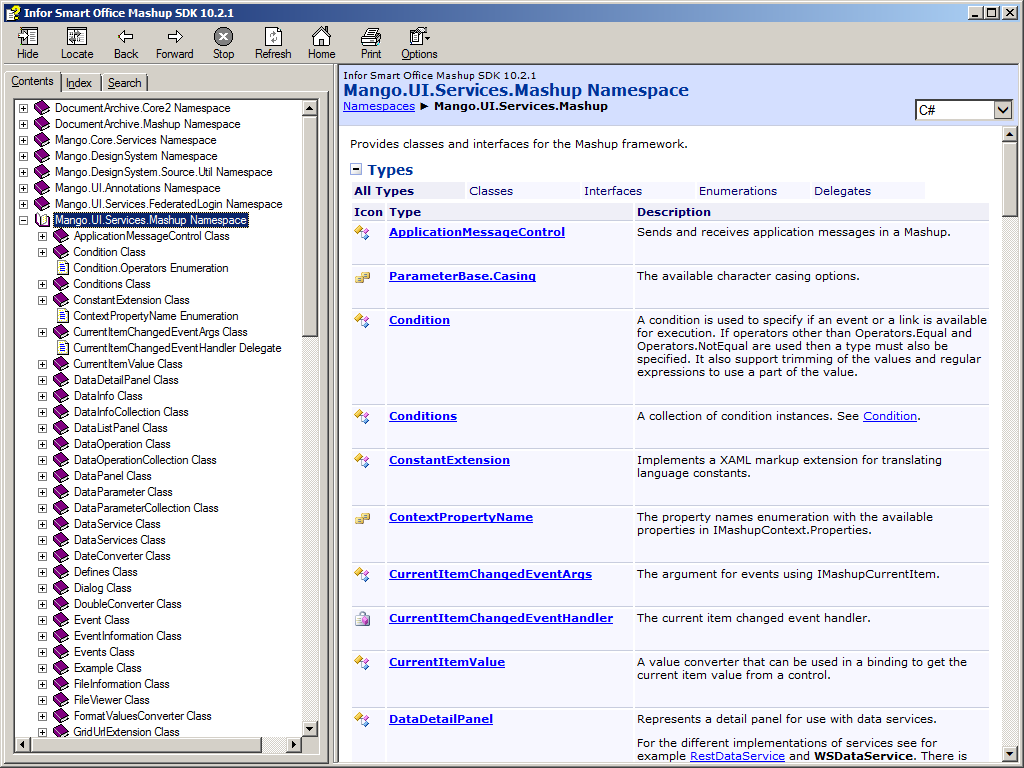
The Smart Office Mashup SDK documentation does not have much useful information, but I show it anyway:

Source code
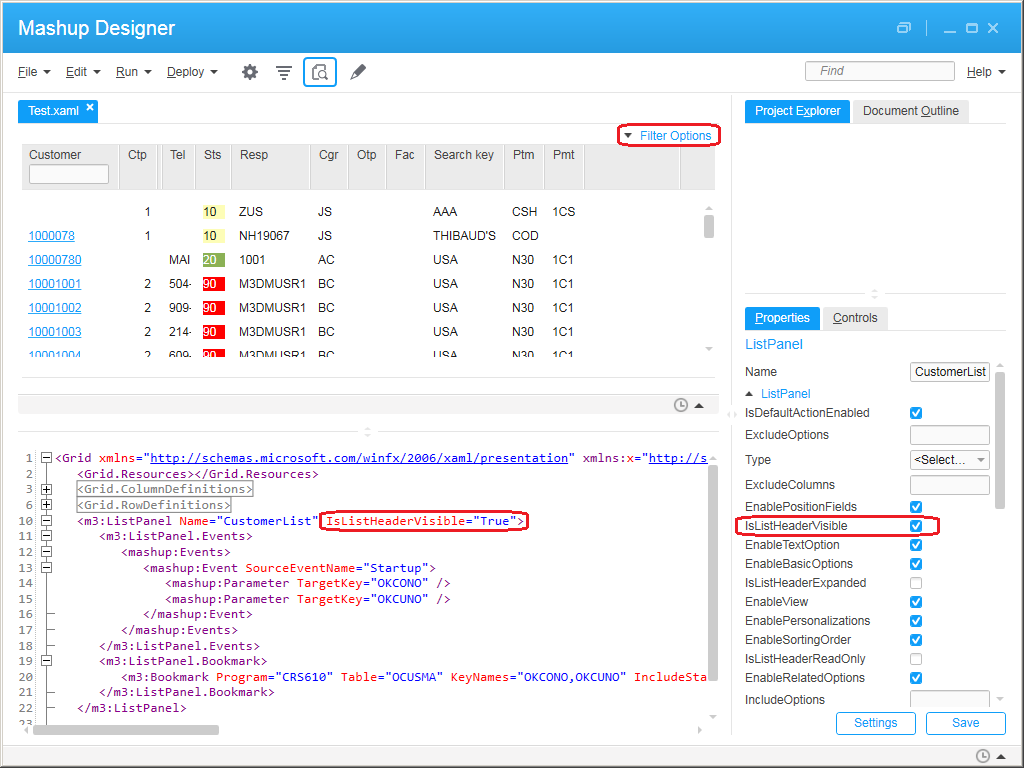
Here is the source code to run a predicate rule on each XAML file of each Mashup; for illustration purposes, this example will list the <m3:ListPanel> controls that are missing the property IsListHeaderVisible, but you can replace this rule with whatever rule you wish:
 import System;
 import System.IO;
 import System.Xml;
 import Mango.UI.Services.Mashup;
 import Mango.UI.Services.Mashup.Internal;

 package MForms.JScript {
     class Test {
         public function Init(element: Object, args: Object, controller : Object, debug : Object) {
             var mashups /*IList<FileInfo>*/ = PackageHelper.GetSharedMashupList();
             for (var mashup: FileInfo in mashups) {
                 debug.WriteLine(mashup.Name);
                 var baseUri: Uri = UriHelper.CreateBaseUri(new Uri(mashup.Name, UriKind.RelativeOrAbsolute));
                 var manifest: Manifest = PackageHelper.GetManifest(mashup);
                 var list /*IList<FileInformation>*/ = manifest.CreateFileInformationList();
                 for (var information: FileInformation in list) {
                     if (information.MimeType == Defines.MimeTypeXAML) {
                         var relativeUri: String = information.Path;
                         var stream: Stream = PackageHelper.GetStream(baseUri, new Uri(relativeUri, UriKind.Relative));
                         var document: XmlDocument = new XmlDocument();
                         document.Load(stream);
                         var nsmanager: XmlNamespaceManager = new XmlNamespaceManager(document.NameTable);
                         nsmanager.AddNamespace("m3", "clr-namespace:MForms.Mashup;assembly=MForms");
                         var nodes: XmlNodeList = document.SelectNodes("//m3:ListPanel[not(@IsListHeaderVisible=\"True\")]", nsmanager);
                         if (nodes.Count == 0) {
                             debug.WriteLine("\t" + relativeUri + " PASSED");
                         } else {
                             debug.WriteLine("\t" + relativeUri);
                             for (var e: XmlElement in nodes) {
                                 debug.WriteLine("\t\t" + e.Attributes["Name"].Value + " FAILED");
                             }
                         }
                         stream.Close();
                     }
                 }
             }
         }
     }
 }
It was inspired by:
Mango.UI.Services.Mashup.Internal.MashupApplication.InitMashups
Mango.UI.Services.Mashup.Internal.PackageHelper.GetStream
Mango.UI.Services.Mashup.MashupInstance.CreateInstance.
Note: For the namespace, I should use the fields NamespacePrefix and NamespaceUri, or even better the field NamespaceManager, from MForms.Mashup.MashupUtil, but they are internal; I may use Reflection next time.
Result
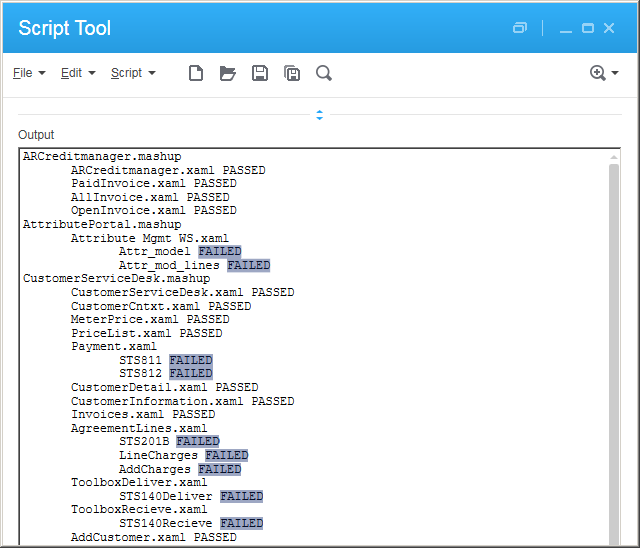
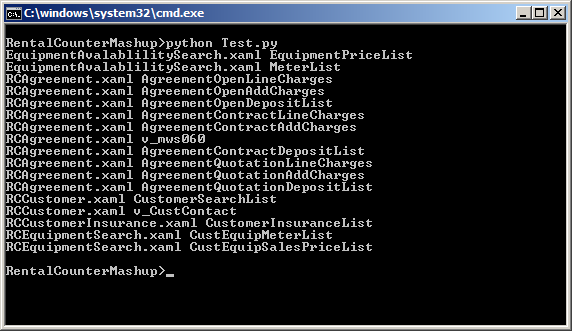
In my case, the result is the list of <m3:ListPanel> controls and whether they PASSED or FAILED the predicate rule:
For the metrics:
- Number of Mashups: 13 (7 FAILED, 54% error)
- Number of XAML files: 178 (40 FAILED, 29% error)
- Number of <m3:ListPanel>: 347 (115 FAILED, 33% error)
In other words, with this tool I was able to quickly scan about 200 files, covering over half of the Mashups, and find errors in a third of the <m3:ListPanel>. I would not have been able to do the same manually so fast with such accuracy.
Future work
There is more work to be done. Next time I will explore Mango.UI.Services.Mashup.Internal.MashupNameScope.CreateInstance. Stay tuned.
That’s it.
Please comment, like, subscribe, share, author. Thanks for your support.
Related posts
- Mashup quality control #1 – <m3:ListPanel IsListHeaderVisible=”True”>
- Mashup quality control #2 – icon buttons
- Mashup quality control #3 – Mashups
- Mashup quality control #4 – XAML
- Mashup quality control #5 – MForms Bookmark URIs
- Mashup quality control #6 – MForms Automation URIs













 M3 ideas